
Your collection
See every watch in its own light.
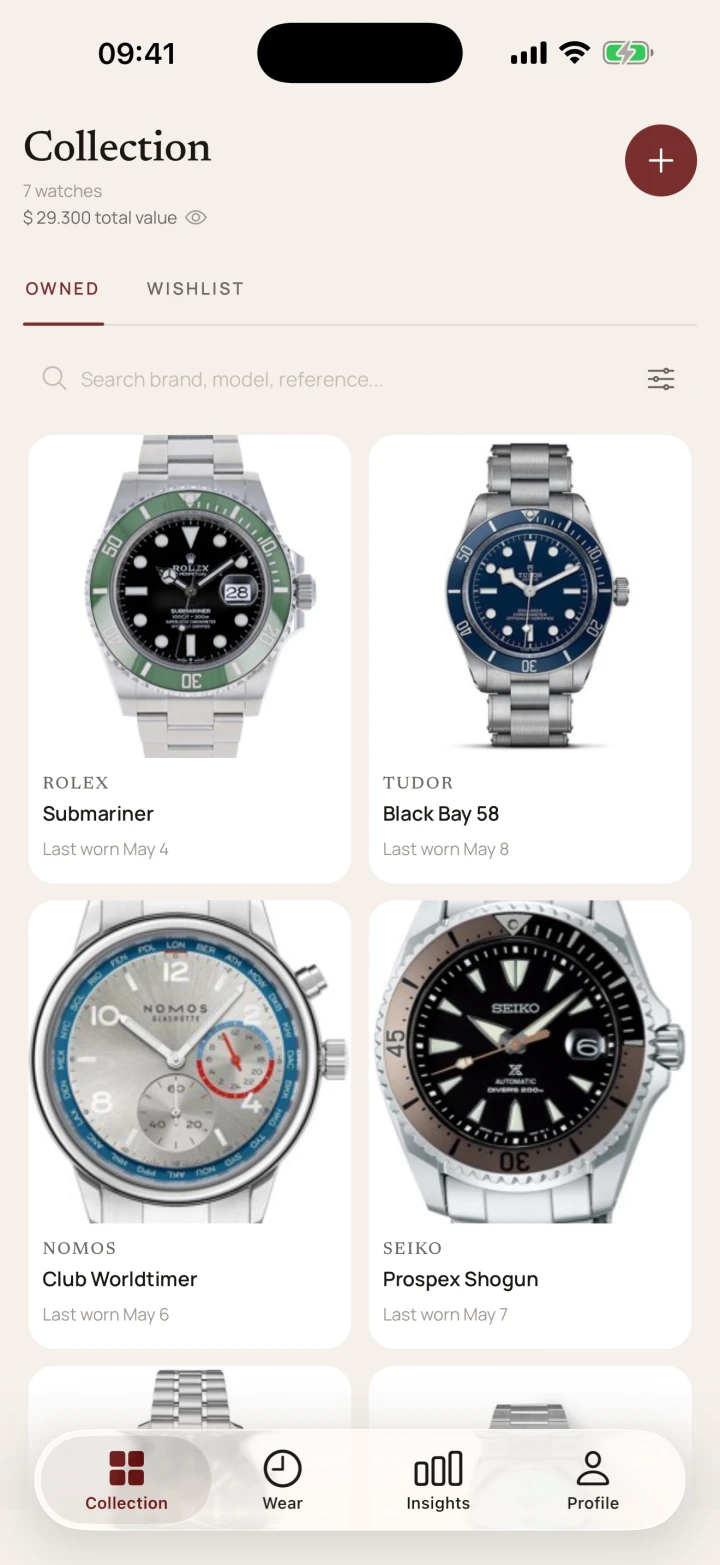
Search by brand, model, or reference. Switch between grid and list views without losing the photographs that make the collection yours.
For the collection you actually wear
Document your collection, wear, value, service, and timing. Everything starts on your device.
Keep the photograph, history, and practical record of each watch together, from first wrist time to the next service.
Your collection
Search by brand, model, or reference. Switch between grid and list views without losing the photographs that make the collection yours.
Wear history
Log a wear in one tap, then look back through the rhythm of your rotation.
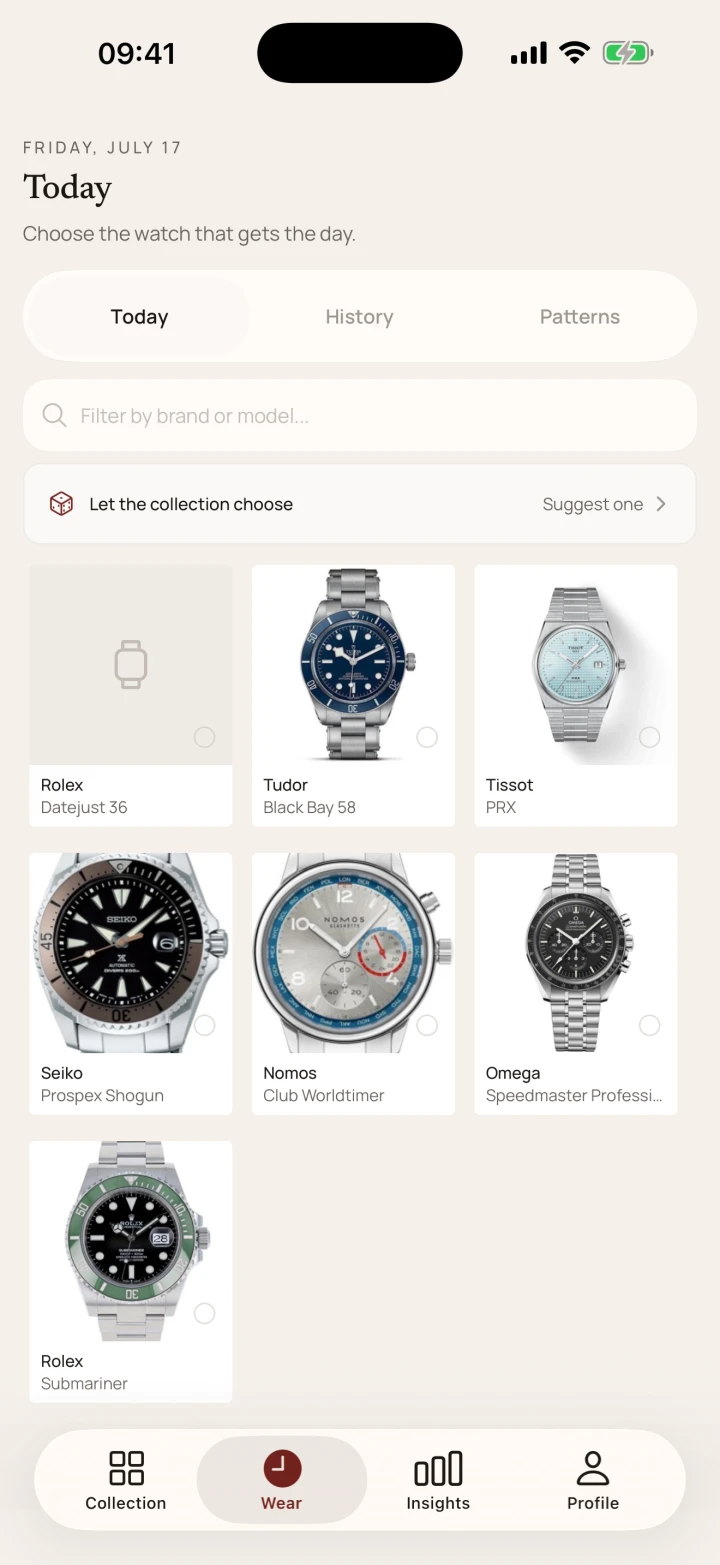
Current screens from the collection and the day-to-day wearing ritual.
Collection
Wear
Lugs starts locally. Free and Pro work without an account. Optional Lugs+ Cloud Sync uses Apple or Google sign-in.
Your collection lives on your device first, and core features work offline.
Turn on Lugs+ when you want account-backed sync across devices.
Lugs makes money from premium features, not from selling collection data.
Take your records with you as JSON or CSV whenever you need them.
Free to start. Your collection stays on your device by default.